Exclusive Launch Offer Use Discount Code - PROMODE and get upto 10% off
Playwright Automation Mastery
With Javascript/Typescript + AI
Go beyond Selenium. Master Playwright automation with JavaScript/TypeScript, In 90 Days With AI-assisted testing, real projects, advanced debugging, and CI/CD workflows
1000s OF OUR STUDENTS ACHIEVED THEIR DREAM IT JOB IN
" id="i9o2rd" class="ft-custom-block">
The custom code element you just added won’t be visible in the editor here. Please go to the published page URL after publishing, you will be able to find your element there.
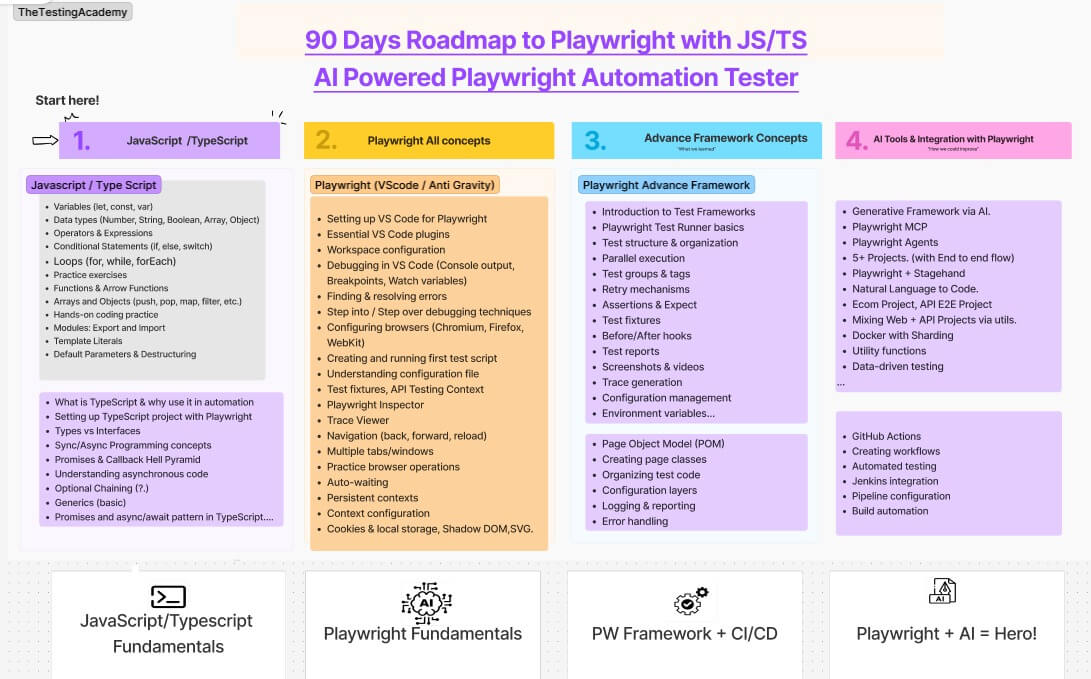
90-Day Journey from Manual Testing to High-Demand Playwright Automation Roles with AI
The custom code element you just added won't be visible in the editor here. Please go to the published page URL after publishing, you will be able to find your element there.
Master Complete Automation With Playwright JavaScript / Typescript With AI In Just 90 Days…
MODULE 1 : JavaScript FundamentalsDays 1–12 | 12 DaysMaster the core JavaScript concepts essential for test automation. From variables and data types to promises and asynchronous programming.▼
1. Variables, Data Types & Operators
let, const, var
Primitive & reference types
Operators & expressions
2. Practice – Variables & Types
Hands-on exercises
Type conversion
Variable scoping
3. Conditionals & Loops
If / Else
Switch cases
For & While loops
4. Practice – Loops
Loop patterns
Nested conditions
Break & continue
5. Functions
Function declarations
Arrow functions
Parameters
6. Practice – Functions
Higher-order functions
Return values
Function scope
7. Arrays & Callbacks
map, filter, reduce
Callback functions
Array iteration
8. Practice – Arrays
Complex operations
Method chaining
Callback patterns
9. Promises
Promise basics
then, catch, finally
Promise chaining
10. Async / Await
Async & await
Error handling
Parallel promises
11. ES6 Deep Dive
Destructuring
Spread operator
Template literals
12. Final Review
Practice exercises
Code challenges
Module assessment
13. Setting Up a Playwright Project
Installation
Project structure
Configuration
14. Playwright Project Setup – Practice
Creating test files
Running first tests
Debug configuration
15. Understanding Playwright Architecture
Browser contexts
Page objects
Test isolation
16. Playwright Architecture – Deep Dive
Multi-browser support
Headless mode
Browser automation
17. Writing Your First Test Script
Basic test structure
Assertions
Test organization
18. Test Script Best Practices
Clean code principles
Reusability
Error handling
19. Selectors & Locators – CSS
CSS selectors
Element identification
Selector strategies
20. Selectors & Locators – Advanced
Role-based selectors
Text selectors
Label selectors
21. Basic Actions – Clicking & Typing
Click methods
Input filling
Keyboard actions
22. Basic Actions – Practice
Form automation
Button interactions
Navigation
23. Introduction to TypeScript
Why TypeScript?
Benefits for testing
Comparison with JavaScript
24. TypeScript Fundamentals
Basic syntax
Compilation process
tsconfig.json
25. Installation & Configuration
Setting up TypeScript
IDE integration
Compiler options
26. TypeScript Project Setup
Project structure
Build tools
Module systems
27. Types and Type Inference
Type annotations
Type inference
Union types
28. Advanced Types
Intersection types
Type guards
Conditional types
29. Type Annotations in Functions
Parameter types
Return types
Optional parameters
30. Function Types – Advanced
Function overloads
Generic functions
Rest parameters
31. Enums & Array Type Annotations
Enum declarations
Array types
Tuple types
32. Type Assertion & Type Casting
Type assertions
as syntax
Non-null assertion
33. Synchronization & Auto-Waiting
Auto-wait mechanisms
Timeout configuration
Wait strategies
34. Advanced Synchronization
Custom waits
Network idle handling
Element states
35. Synchronization Best Practices
Avoiding explicit waits
Reliable test design
Performance optimization
36. Assertions with Expect Library
Basic assertions
Element assertions
Text assertions
37. Advanced Assertions
Custom matchers
Soft assertions
Snapshot testing
38. Assertion Patterns
Best practices
Meaningful error messages
Test organization
39. Handling Alerts
Dialog handling
Confirm dialogs
Prompt dialogs
40. Working with Frames
Frame locators
Frame switching
Nested frames
41. Multi-Page Testing
Handling multiple pages
Page navigation
Page events
42. Multi-User Context
Browser contexts
Isolated sessions
Parallel testing
43. Reading Data from .env Files
.env configuration
Environment variables
Secure credentials
44. Working with JSON and CSV
JSON data handling
CSV parsing
Test data management
45. Test Configuration – Test Level
Test annotations
Test hooks
Test metadata
46. Test Configuration – Project Level
playwright.config.ts
Project setup
Global configuration
47. Playwright Test Runner Basics
Running tests
Test organization
Test filtering
48. Test Runner – Advanced
Test grouping
Test dependencies
Conditional tests
49. Test Runner – Filtering & Retries
Test selection
Retry logic
Flaky test handling
50. Video Recording
Video capture
Screenshots
Trace recording
51. Code Generation
Codegen tool
Test generation
Selector recording
52. Playwright Inspector
Debug mode
Step-through tests
Inspector features
53. Introduction to API Testing
API testing fundamentals
REST APIs
Testing strategy
54. API Testing Importance
Benefits of API testing
Use cases
Integration testing
55. API Testing with Playwright
Request context
API fixtures
Test setup
56. GET and POST Methods
GET requests
POST requests
Query parameters
57. PUT and DELETE Methods
PUT requests
DELETE requests
PATCH requests
58. Advanced API Methods
Custom headers
Authentication
Request configuration
59. Handling API Requests
Request builders
Data serialization
Error handling
60. Handling API Responses
Response parsing
Status codes
Response validation
61. Network Interception – Basics
Route interception
Request modification
Response mocking
62. Network Interception – Advanced
Complex scenarios
Performance testing
Error simulation
63. Classes in TypeScript
Class syntax
Constructors
Class members
64. Constructors & Access Modifiers
Constructor parameters
Public / private / protected
Readonly properties
65. Advanced Class Features
Static members
Getters / setters
Abstract classes
66. Inheritance
Class inheritance
super keyword
Method overriding
67. Polymorphism
Method polymorphism
Interface implementation
Type polymorphism
68. Encapsulation
Data hiding
Access control
Information hiding
69. Introduction to POM
Page Object Model concept
Benefits
Structure
70. POM Design Patterns
Page classes
Element locators
Action methods
71. Refactoring with POM – Part 1
Test refactoring
Code organization
Maintainability
72. Refactoring with POM – Part 2
Advanced patterns
Reusable components
Test optimization
73. Base Pages & Common Actions
Base page classes
Common methods
Inheritance in POM
74. Clean Code Best Practices
Naming conventions
Code quality
Documentation
Key Focus Areas
Framework Design
CI/CD
DevOps
Reporting
Optimization
Module Breakdown 75. Framework Architecture
Framework design principles
Component structure
Scalability
76. Implementing Test Runner in Framework
Test execution setup
Suite organization
Parallel execution
77. Framework Best Practices
Code organization
Maintainability
Documentation
78. GitHub Integration
Git basics
Repository setup
Version control
79. GitHub Actions – Setup
Workflow creation
Action configuration
Triggers
80. GitHub Actions – CI/CD Pipeline
Automated testing
Deployment
Continuous integration
81. Jira Integration – Setup
Jira API
Issue tracking
Test management
82. Jira Integration – Reporting
Test results reporting
Defect logging
Status updates
83. Device Emulation
Mobile testing
Responsive design
Device profiles
84. Geo-Location & Console Logs
Location testing
Console monitoring
Debug support
85. Visual Testing
Screenshot comparison
Visual regression
Pixel-perfect testing
86. Custom Reporters
Report generation
Custom formats
Integration
87. Framework Review
Code review
Optimization
Performance analysis
88. Framework Optimization
Speed improvements
Resource management
Best practices
89. Resume Building & LinkedIn Optimization
Resume tips
LinkedIn profile optimization
Personal branding
90. Interview Preparation & Course Completion 🎉
Interview questions
Technical discussions
Career guidance
" class="ft-custom-block">
The custom code element you just added won’t be visible in the editor here. Please go to the published page URL after publishing, you will be able to find your element there.
A 3-Month Playwright + AI Automation Mastery Program
Takes You fromJob Insecurity ➔ Job-Ready Confidence ➔ Career Growth
The custom code element you just added won’t be visible in the editor here. Please go to the published page URL after publishing, you will be able to find your element there.
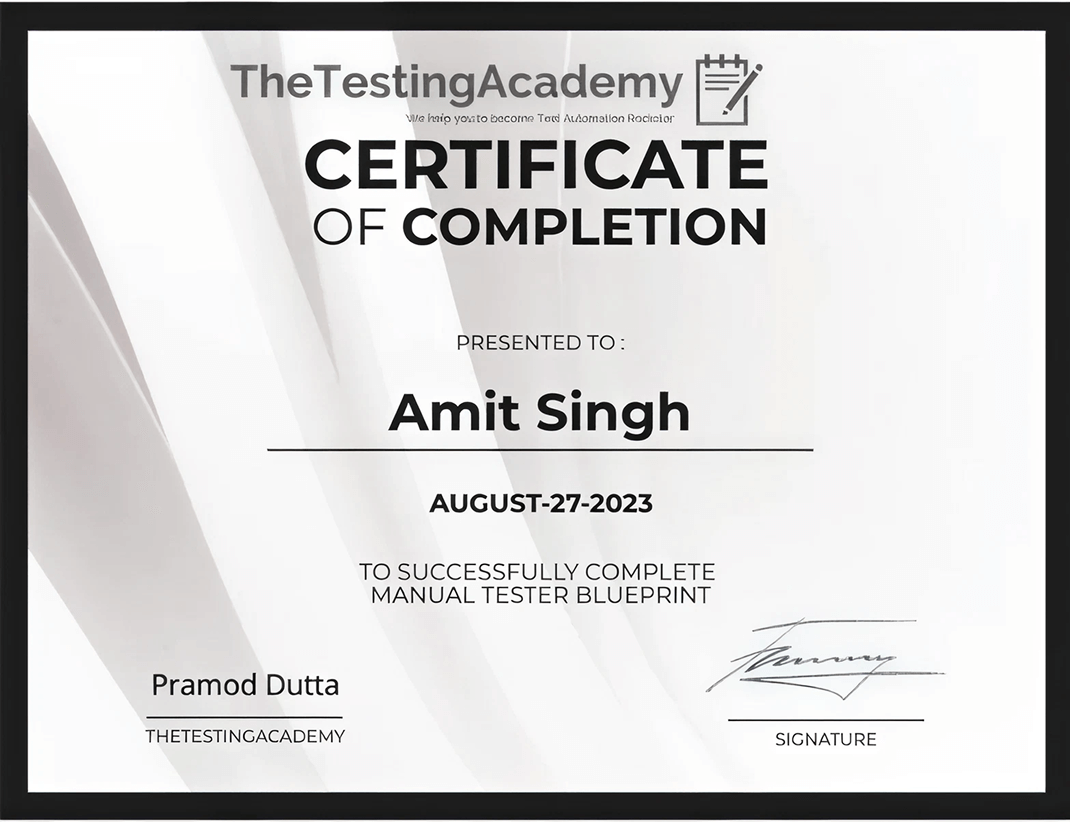
Learn, & Get Certified as an Playwright Automation Tester
Founder of Youtube Channel having 95k Subscribers, Pramod is a lead automation tester with 11 years of experience in Manual Testing, Automation Testing, Mobile & Web Automation, Desktop & cloud services.
He has trained 5000+ professionals in Software Testing, API Testing, Test Automation.
Pramod is SDET Manager At Tekion | Ex Browserstack Employee and Browserstack champion | Certified Scrum Master.
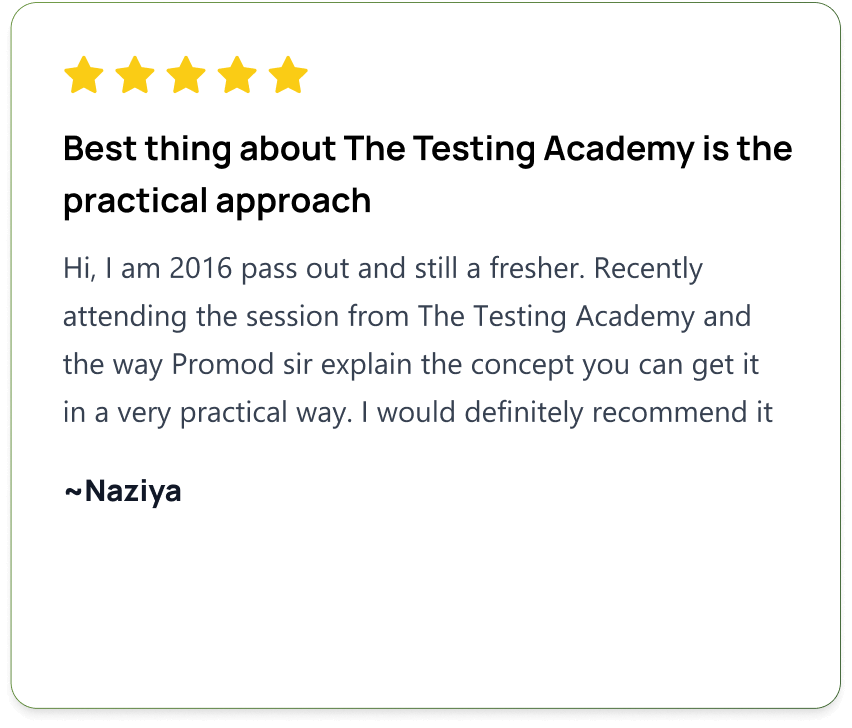
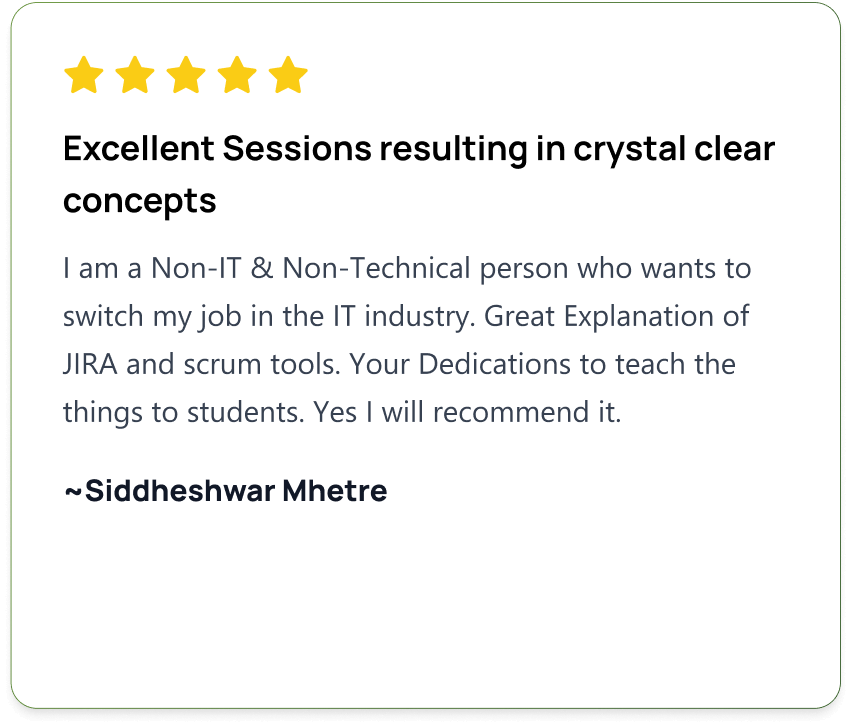
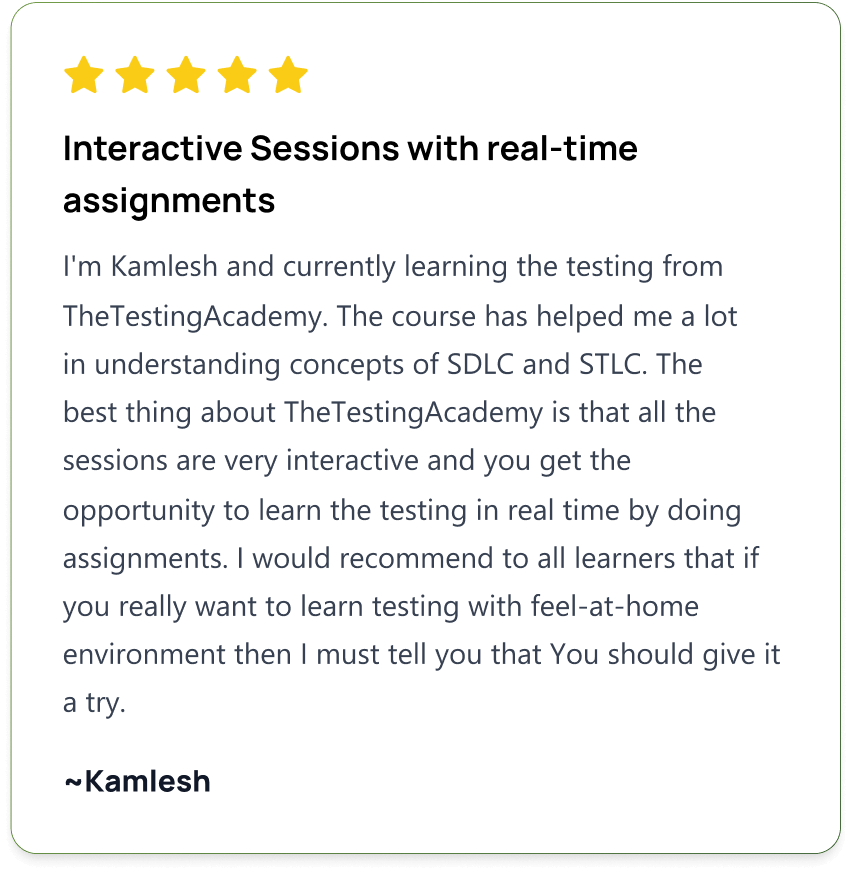
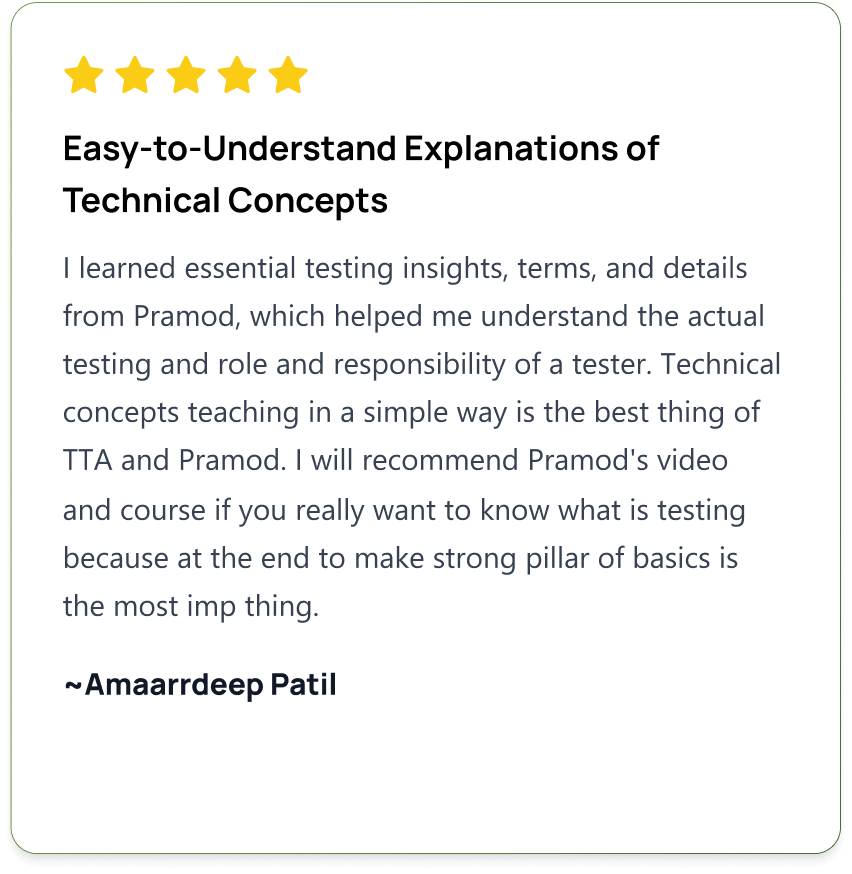
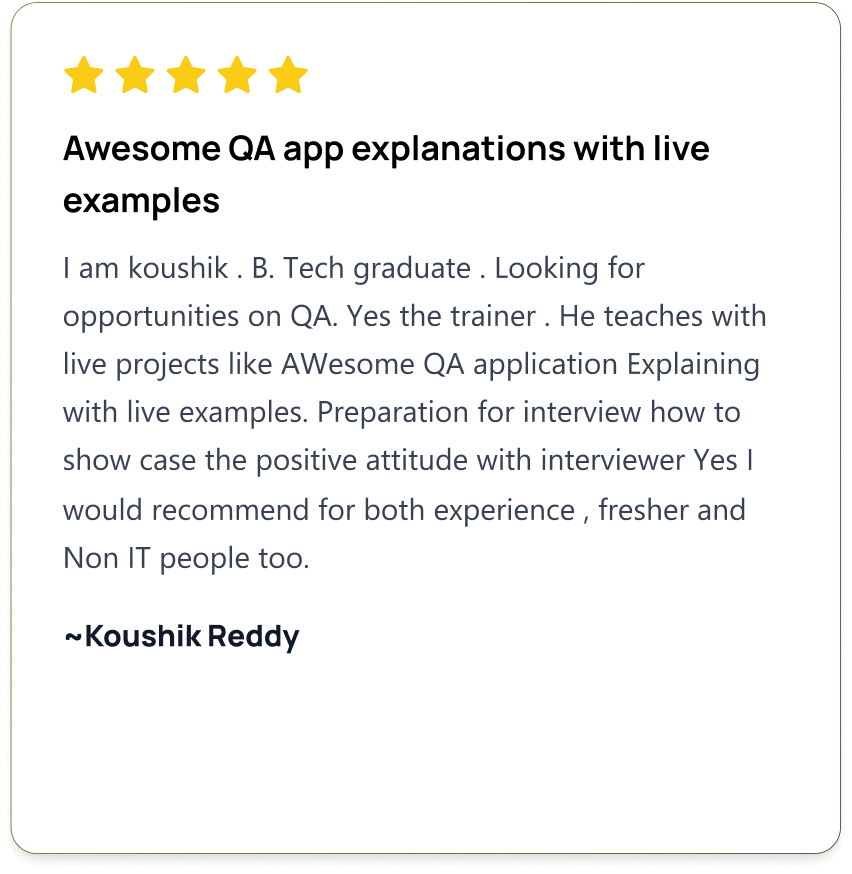
"Pramod's practical approach & real projects implementation in training differentiates him from every other trainer."
The custom code element you just added won't be visible in the editor here. Please go to the published page URL after publishing, you will be able to find your element there.